






 FC 26
FC 26
 ARC Raiders
 COD Black Ops 7
 Dark And Darker
 Grow a Garden
 Monopoly Go
 Sell To Us
 Vip Member
 Contact Us





BO7 Crossplay Guide: How to Enable, Settings, Platforms & Everything You Need to Know
2025-11-27 01:43:34

2025-11-27 01:43:34
Crossplay is a vital feature of the latest Call of Duty games, offering smooth cross-platform support across consoles and PC Black Ops (BO7) has taken it to a different level. BO7 is there to help you squad up with anyone if you're playing on PlayStation, Xbox, or even Windows.
Sadly, many players only pay attention to the Crossplay on/off switch and frequently overlook the privacy settings, new settings, cross-progression capabilities, and matchmaking options. As a result, they may lose crucial battles.
The pros and cons of BO7 cross-play are explained in detail in this post, along with instructions on how to adjust your settings.
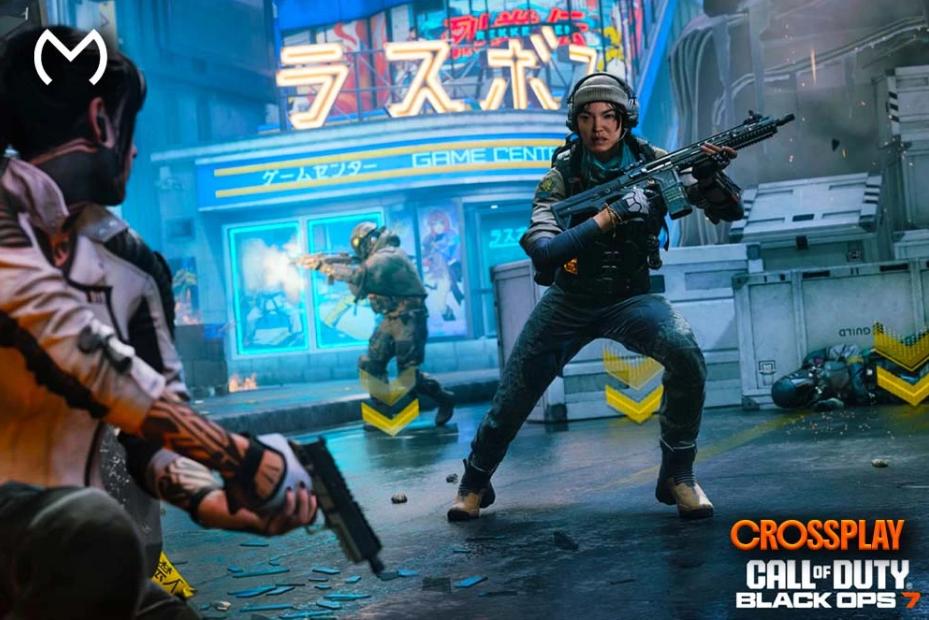
Indeed, Crossplay is completely supported on all main platforms in Call of Duty: Black Ops 7. This suggests that players can play in the same queue while using various systems.
Here's the table representation of BO7, allowing crossplay between.
Enabling the COD BO7 cross-play isn't a tough task by any means. Here's how to turn on Crossplay in BO7
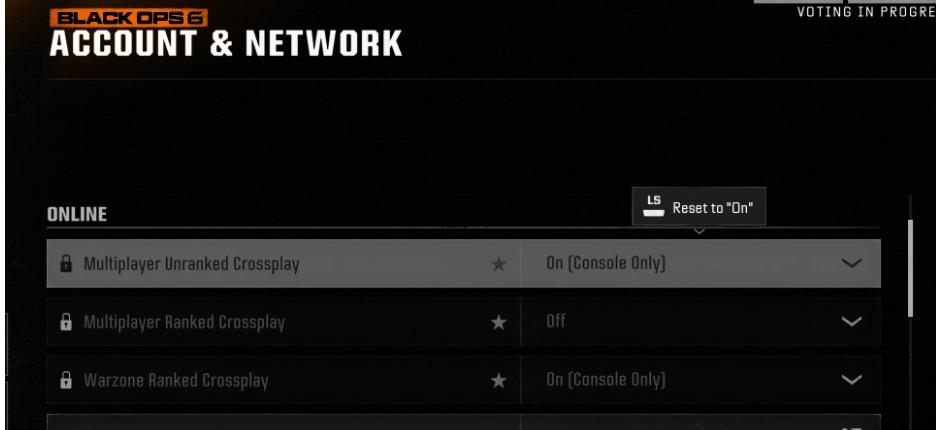
Step 1: Open the Call of Duty: Black Ops app and access settings.
Step 2: Turn on Crossplay from the Account and Network window.
Step 3: Enable Cross-Play Communication and then save the settings. Your Activision account automatically syncs your friends list, enabling you to instantly invite players from all platforms.
In all fairness, BO7 includes multiple crossplay-related settings that might affect matchmaking, communication, and lobby fairness. Here's a helpful table explaining each one with precision.
Note: These settings ensure that BO7 Crossplay remains fair, smooth, and customizable for every type of player.
Crossplay can make the entire experience much more flexible by offering the following things.
With Cross play, you can get faster matchmaking, smoother gameplay at all hours and less empty lobbies.
Your squad can mix PS5, PC, Xbox Series X, PS4, and Xbox One without having restrictions.
If you tend to switch between platforms like PS5 and PC, all of your weapons levels, operator skins, battle pass progress, and stats will sync automatically through Activision Login
BO7 relies on skill based matchmaking and ping based filtering which will make the Crossplay experiment fair and worth admiring.
Although Crossplay is considered beneficial, some players, especially console competitive players, often want to turn it off.
You might want to disable Crossplay if you:
●You keep getting matched against PC players with a mouse & keyboard
●You want controller-only lobbies
●You feel aim assist interactions vs M+K are inconsistent
●You prefer slower, console-style gameplay pacing
Disabling Crossplay will lower the sweatier PC fights in usual modes, but it may end up increasing the queue times for older gen consoles.
A significant concern for console users is aim assist when Crossplay is enabled.
●Console players tend to keep aim assist vs PC players.
●Aim assist turns out to be weaker if the PC player uses a controller.
●Controller vs controller PC or console equals identical aim assist behavior.
Courtesy of these updates, BO7 feels more balanced than older games, where PC players have had a major advantage in lobbies.
The new BO7 Zombies mode supports crossplay without any restrictions. You can easily team up with players on any platform, whether you're defending waves or completing story objectives.
●Faster finding teammates
●Easier high-round runs
●Shared XP progression across modes
●Perfect for players who don’t have a full squad on their platform
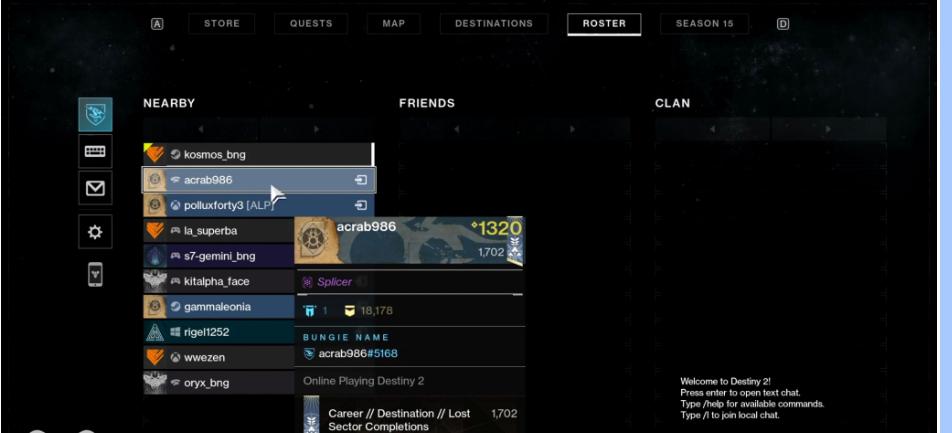
BO7's friend system uses Activision IDs, making it effortless to connect. If you want to add a friend on Cross play, open the Social Menu and select Add Friend. You can now enter the friends tag before sending an invitation after selecting ''Add by Activision. Once accepted, they will appear in your friends list across all platforms.
No, Crossplay won't reduce performance. BO7 utilizes platform-specific optimization, such as PS5 and Xbox Series X/S running in higher performance modes. PC can achieve higher FOV and frame rates with PS4 and Xbox One by utilizing dynamic resolution to maintain stability. Crossplay doesn't sync graphics settings, so your platform performs as its best without affecting others.
You can keep BO7 Crossplay on unless you specifically want a competitive console experience or controller-only lobbies. BO7's Crossplay system is structured to be smooth, fast, and fair, providing you with better matchmaking, unified progression across platforms, and more teammates. For most players, keeping crossplay is the best way to enjoy Black Ops 7.
Sadly, many players only pay attention to the Crossplay on/off switch and frequently overlook the privacy settings, new settings, cross-progression capabilities, and matchmaking options. As a result, they may lose crucial battles.
The pros and cons of BO7 cross-play are explained in detail in this post, along with instructions on how to adjust your settings.
Does BO7 Support Crossplay?
Indeed, Crossplay is completely supported on all main platforms in Call of Duty: Black Ops 7. This suggests that players can play in the same queue while using various systems.
1. Supported Crossplay Platforms
Here's the table representation of BO7, allowing crossplay between.
| Platform | Crossplay Support | Notes |
| PlayStation 5 | Yes | Full multiplayer + Zombies crossplay |
| PlayStation 4 | Yes | PS4 players match with PS5 lobbies |
| Xbox Series X/S | Yes | Auto-linked with Xbox network |
| Xbox One | Yes | Works with current-gen systems |
| PC (Battle.net / Steam) | Yes | Requires Activision account login |
How to Enable Crossplay in BO7
Enabling the COD BO7 cross-play isn't a tough task by any means. Here's how to turn on Crossplay in BO7
Step 1: Open the Call of Duty: Black Ops app and access settings.
Step 2: Turn on Crossplay from the Account and Network window.
Step 3: Enable Cross-Play Communication and then save the settings. Your Activision account automatically syncs your friends list, enabling you to instantly invite players from all platforms.
BO7 Crossplay Settings Explained
In all fairness, BO7 includes multiple crossplay-related settings that might affect matchmaking, communication, and lobby fairness. Here's a helpful table explaining each one with precision.
BO7 Crossplay Settings Overview
| Setting | What It Does | Recommended For |
| Crossplay | Allows you to match with players on all platforms | Everyone except competitive console-only players |
| Crossplay Communication | Enables voice/text chat with players on other platforms | Friends who play across different systems |
| Input-Based Matchmaking | Matches controller vs controller, M+K vs M+K | Players who want balanced aim duels |
| PC Parity Features | Limits unfair advantages (FOV, aim assist balancing) | Console players concerned about PC advantages |
| Cross-Progression Sync | Saves your weapons, skins, and level across platforms | Players using more than one device |
Note: These settings ensure that BO7 Crossplay remains fair, smooth, and customizable for every type of player.
Why BO7 Crossplay Matters
Crossplay can make the entire experience much more flexible by offering the following things.
1. Bigger Player Pool
With Cross play, you can get faster matchmaking, smoother gameplay at all hours and less empty lobbies.
2. Play with anyone
Your squad can mix PS5, PC, Xbox Series X, PS4, and Xbox One without having restrictions.
3. Cross Progression
If you tend to switch between platforms like PS5 and PC, all of your weapons levels, operator skins, battle pass progress, and stats will sync automatically through Activision Login
4. Fairer Lobbies
BO7 relies on skill based matchmaking and ping based filtering which will make the Crossplay experiment fair and worth admiring.
Should You Turn Crossplay Off? (When It Makes Sense)
Although Crossplay is considered beneficial, some players, especially console competitive players, often want to turn it off.
You might want to disable Crossplay if you:
●You keep getting matched against PC players with a mouse & keyboard
●You want controller-only lobbies
●You feel aim assist interactions vs M+K are inconsistent
●You prefer slower, console-style gameplay pacing
Disabling Crossplay will lower the sweatier PC fights in usual modes, but it may end up increasing the queue times for older gen consoles.
BO7 Crossplay and Aim Assist: What You Need to Know
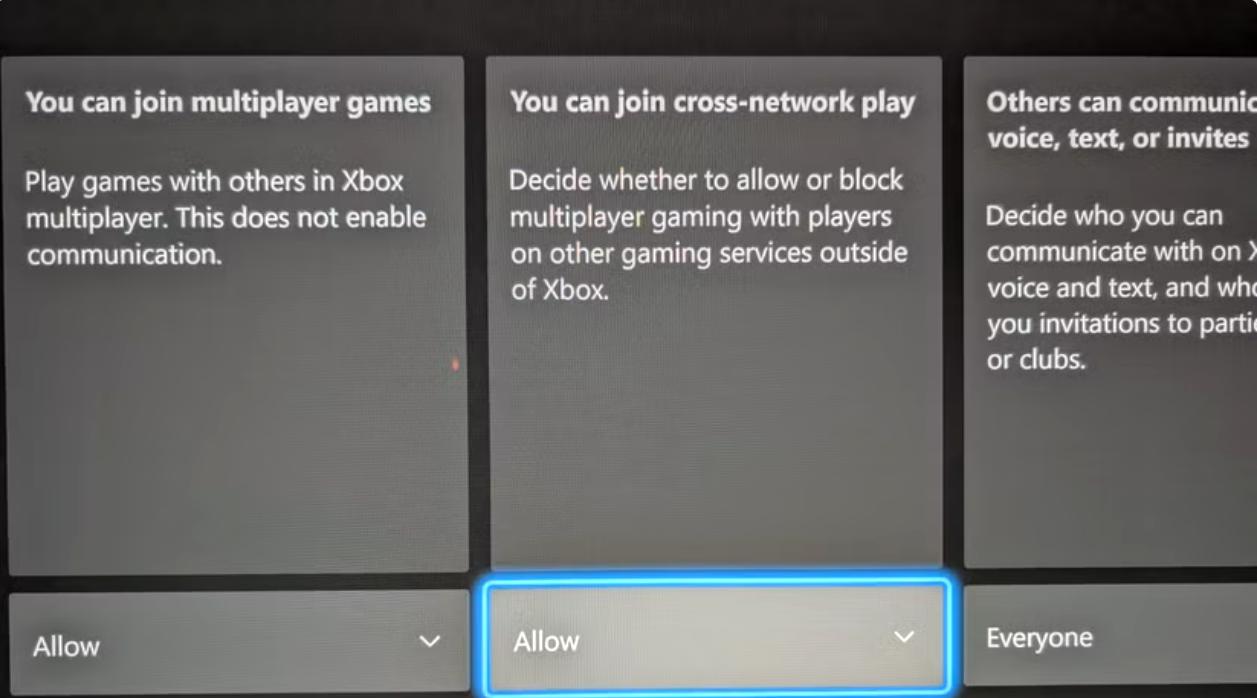
A significant concern for console users is aim assist when Crossplay is enabled.

How BO7 balances aim assist?
●Console players tend to keep aim assist vs PC players.
●Aim assist turns out to be weaker if the PC player uses a controller.
●Controller vs controller PC or console equals identical aim assist behavior.
Courtesy of these updates, BO7 feels more balanced than older games, where PC players have had a major advantage in lobbies.
Crossplay in Zombies Mode
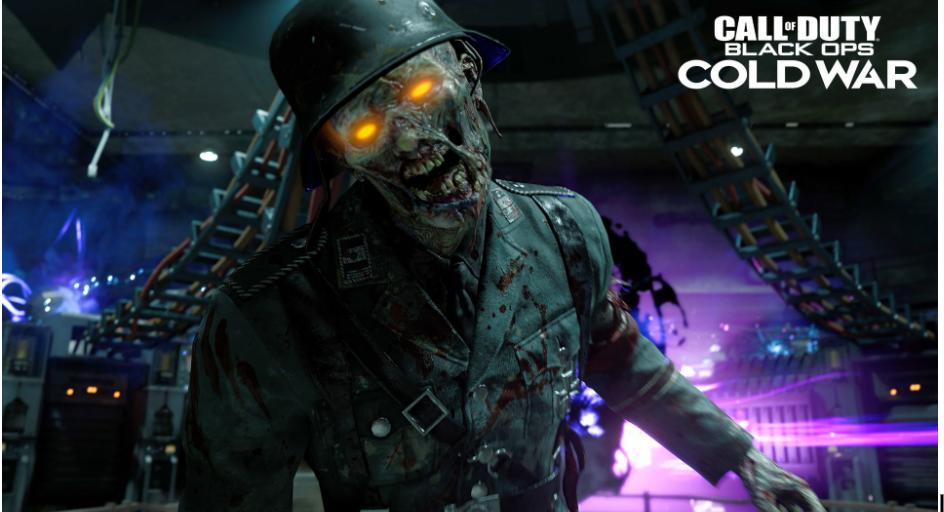
The new BO7 Zombies mode supports crossplay without any restrictions. You can easily team up with players on any platform, whether you're defending waves or completing story objectives.
●Faster finding teammates
●Easier high-round runs
●Shared XP progression across modes
●Perfect for players who don’t have a full squad on their platform
Crossplay Invite System (How to Add Friends)
BO7's friend system uses Activision IDs, making it effortless to connect. If you want to add a friend on Cross play, open the Social Menu and select Add Friend. You can now enter the friends tag before sending an invitation after selecting ''Add by Activision. Once accepted, they will appear in your friends list across all platforms.
Crossplay Performance: Does It Affect Gameplay?
No, Crossplay won't reduce performance. BO7 utilizes platform-specific optimization, such as PS5 and Xbox Series X/S running in higher performance modes. PC can achieve higher FOV and frame rates with PS4 and Xbox One by utilizing dynamic resolution to maintain stability. Crossplay doesn't sync graphics settings, so your platform performs as its best without affecting others.
Final Words: Should You Keep BO7 Crossplay On?
You can keep BO7 Crossplay on unless you specifically want a competitive console experience or controller-only lobbies. BO7's Crossplay system is structured to be smooth, fast, and fair, providing you with better matchmaking, unified progression across platforms, and more teammates. For most players, keeping crossplay is the best way to enjoy Black Ops 7.
TAGS: